

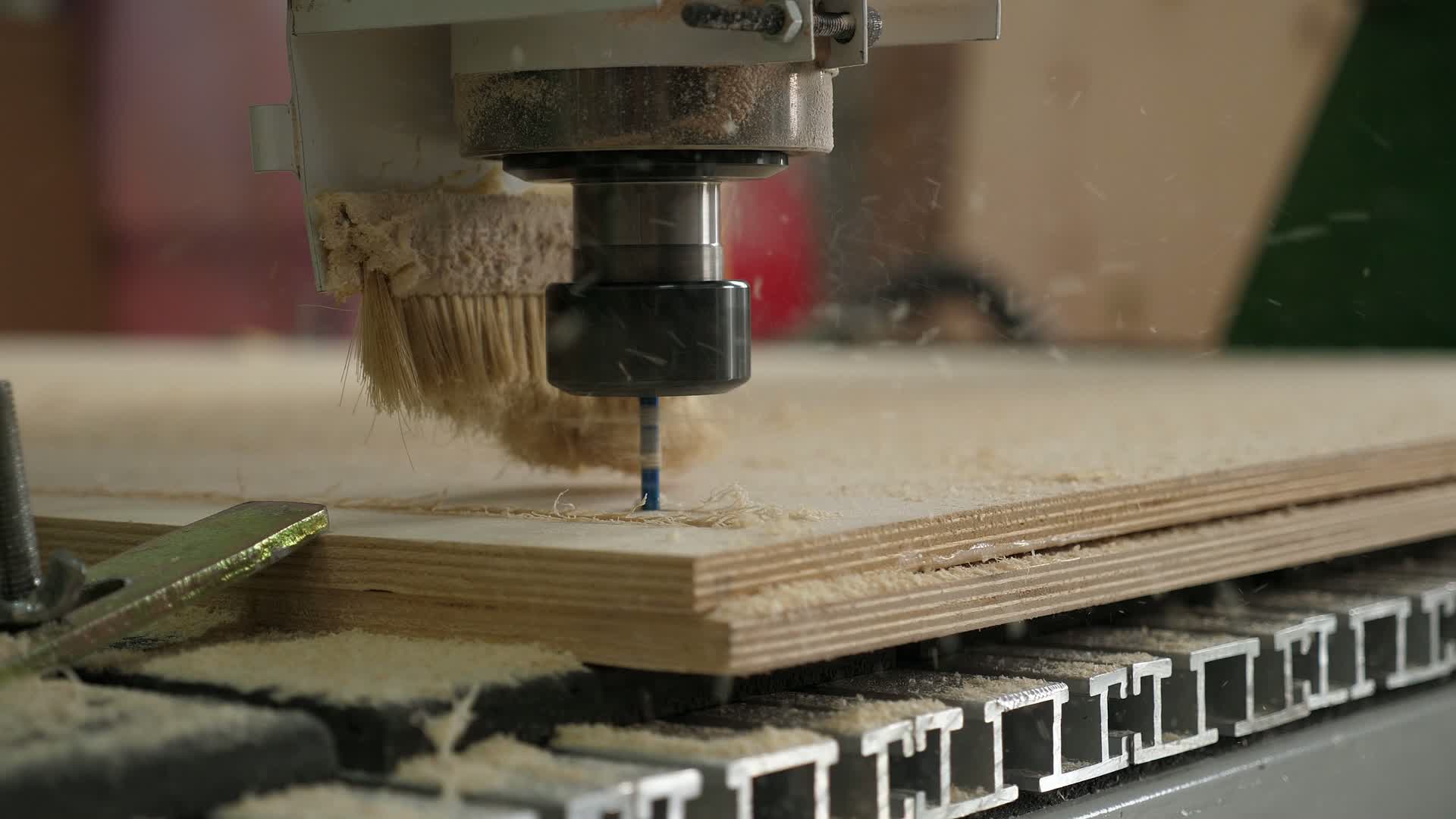
Station tracking
Follow orders through your shop’s stations. See the current stage and what’s queued next.
Let customers configure your products in live 3D, get formula-based pricing, and order online. The configuration they choose becomes the order your shop builds from.
Explore the live configurator
A quote in a spreadsheet shouldn’t become another order to retype. Your website, pricing, and build workflow use the same product rules—so the specifications move with the work, from buyer to shop floor.
Dimensions, materials, and options define the product the buyer wants.
Dimensions · Materials · Options
See it. Configure it. Price it. Then build it. Native 3D product configuration is part of TimberCloud commerce. Your product rules connect the preview, formula pricing, and part dimensions as buyers choose sizes, materials, and options.
Homeowners, dealers, and contractors can buy from the same catalog and product rules. Tailor the experience to each buyer: live pricing and payments, quote-only ordering, or an approved trade portal.
Add a hosted website and custom domain. Build your site in TimberCloud with your storefront already built in.
Embed your storefront with a snippet. Keep your site and bring configuration, pricing, and ordering into it.
The order brings the specifications. Your team gets build documentation, station queues, and a clear view of what needs attention—without another round of re-entry.
Follow orders through your shop’s stations. See the current stage and what’s queued next.
Review order status, sales, and costs. Get the detail behind the day’s work, not another spreadsheet to maintain.
See where work is piling up so you can focus attention on the stations that need it.
From Cut to Pack, see the queues your team is working through. Explore shop-floor tracking for the production workflow your team needs.
Explore production → Build sheets & material requirements Enlarge build sheet
Keep packing details, labels and tracking connected to the customer order. Review current carrier and shipping options for your shop.
Customer requests, product catalogs, and website content shouldn’t all start with manual entry. TimberCloud’s AI helps with order intake, product setup, and website generation—with you in control of what gets used.
Start with one product or PO. Guided setup and Smart Import give you a practical first step, without making a large implementation project the starting line.
Explore AI features →Bring in the request. AI extracts the specifications and suggests matching products for you to check.
Match the request to your catalog
Check the sizes and counts
Confirm the customer’s selections
Review before adding to the order

Founder Justin Romanos spent more than a decade at his family’s cabinet door and millwork business, Porta Door. It became TimberCloud’s first customer. That experience shapes how configuration, build sheets, and production fit together.
Read the Full Story →Configure, price, quote and sell from one order. As your shop grows, connect build sheets, purchasing, inventory, shop-floor tracking, reporting or a dealer portal.

Walk through its dimensions, options, and pricing rules. See how the configured order carries into build documentation and production.


